After installing the them Journal 3 theme , you need to click on Journal from Left side menu,
Select Header –> Main Menu –> Main Menu Desktop

Now select which Menu Item you need to edit , If it is megamenu type dropdown, then Moveover to ‘catalog menu – image’ , It will show a ‘pencil’ icon to edit. Click on it.

To edit the layout , you need to select Layout from Journal menu and select Home.
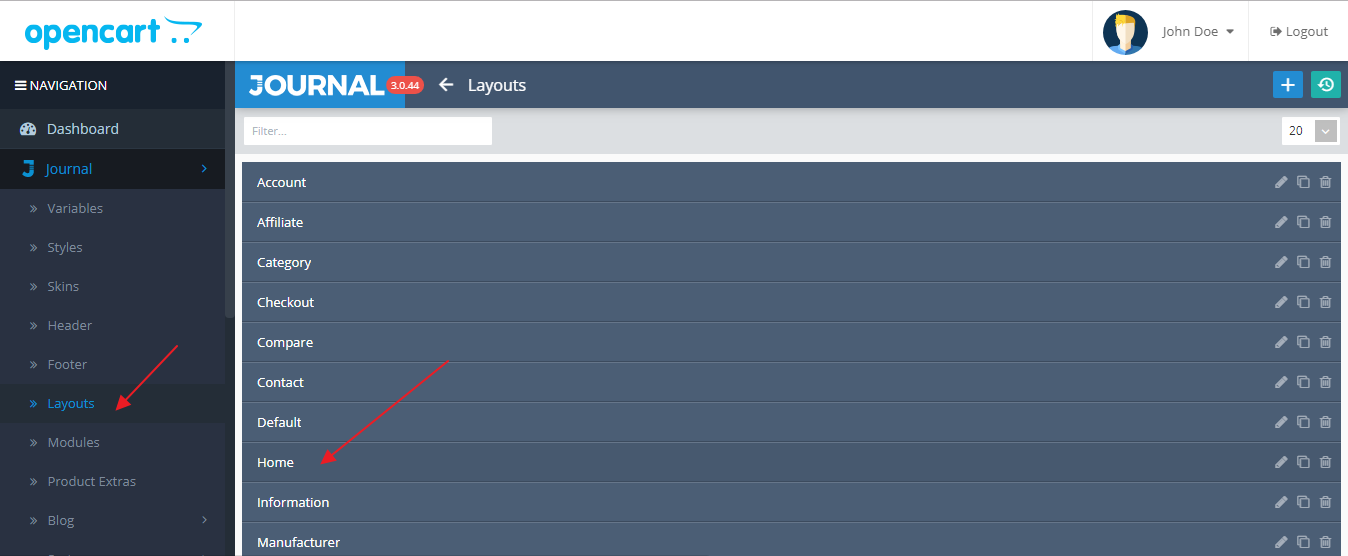
Then you can click on ‘pencil’ icon to edit. You can enable or disable any items from this screen.