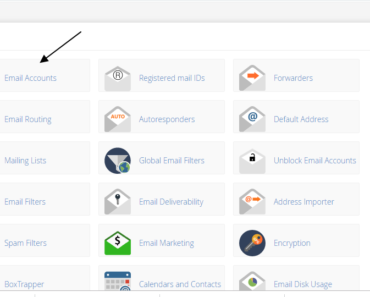
First login to your server using putty or File Manager in cpanel.
Create a file name .my.cnf within your home folder (file name start with .)
vi ~/.my.cnf
Now copy the below content and replace/add your mysql username and password here.
[mysqldump]
user = mysqluser
password = secret
For security, give the permission as below.
chmod 600 ~/.my.cnf
Now goto cpanel and search for cron and add this entry and set it to run every day. (it can be run every hour or minute depending on your requirement).
mysqldump -u [DB-NAME] -h localhost [DBNAME] >/home/xxxxx/public_html/xxxx/mysqlback`date +\%F_\%M\%S`
Plz note:
in cron put \before %you can use \%A for day of the week , for Monday, Sunday etc.
Example:-
mysqldump -u [DB-NAME] -h localhost [DBNAME] >/home/xxxxx/public_html/xxxx/mysqlback`date +\%A`
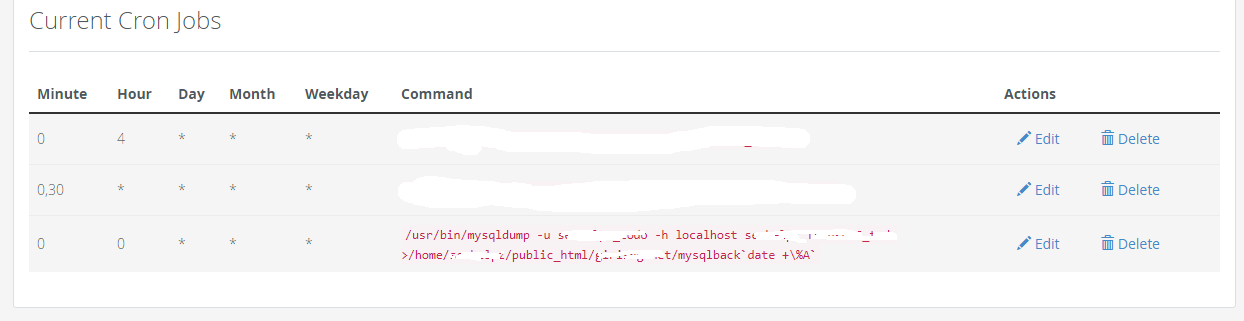
For running it directly on bash shell, you can remove \
mysqldump -u [DB-NAME] -h localhost [DBNAME] >/home/xxxxx/public_html/xxxx/mysqlback`date +%F_%M%S`

IF you get any error as follows in CRON
/usr/local/cpanel/bin/jailshell: -c: line 0: unexpected EOF while looking for matching “’
/usr/local/cpanel/bin/jailshell: -c: line 1: syntax error: unexpected end of file